
Golden Kite, for Mac
Comics made by you, not for you.
Golden Kite is a studio for your story, your characters and your pages. Write it, cast it from photos of real people, and draw it panel by panel, with AI helping wherever you want it.
£29 once. 12 months of updates included. No subscription.
How it works
You're the author. AI is the helper.
- 1
Tell the story
Start from an idea, a memory or a finished script. Golden Kite can help shape it into pages and panels, or you can write every word yourself.
- 2
Cast your people
Add photos of the people in your story: your kid, your partner, your gran. They stay recognisable from panel to panel.
- 3
Draw it page by page
Pick a format and a look, then draw one panel at a time. Redraw any panel you don't like, or change it with a note.
- 4
Letter it and share it
Place speech bubbles and captions where you want them, then download finished pages to print, post or give as a gift.
See it in action
A studio on your Mac.
Real screens from stories made in Golden Kite. Hover to magnify, click to enlarge.Tap a screen to enlarge it.
Jump in from wherever you are.
Make a comic told page by page, or an interactive comic where readers choose what happens next. Then pick the door that fits where your story is today. You can change anything later.
- Comic A story told page by page
- Interactive comic Readers make choices and the story branches
- A sentence or two
Just an idea
Type it in and the chat asks about the rest, one question at a time: who's in it, where it happens, how it looks.
- Partly worked out
Notes or a plan
Drop in your notes, outline or world documents, several at once. Golden Kite reads them and asks about the gaps.
- Pages already written
A finished script
Paste or drop it in and your pages are laid out as written, ready for your own art or AI pictures.
- Pages you've already drawn
Bring my artwork
Drop in your pages, one image per page. Your art stays as it is and nothing is spent.
- A gift
A comic starring someone you know
Their photo, their stories, the things they love. Golden Kite suggests a few stories and you pick one.
- I'll build it myself
Nothing yet
Choose a format and a look, give it a name, and start on an empty comic.
More ways in: pin loose ideas on an idea wall before you have a project, bring in a cast and places from another project, or design a look first.
See every page at once.
Your comic laid out on one canvas. Zoom in to a page, click a panel and change it.
- Undo, plus a full history of every change
- A to-do note names what still needs you
- Running cost shown as you go
Start from a look.
Six built-in looks, each shown on real pages. Use one as it is, or make a new style from it. Your own styles sit right beside them.
- Cel, Ink, Graphic, Painterly, Painted realism and Render
- Any look works with any format
- Your saved styles, one click away
Make your own style.
Drop in reference pictures, colours and a few words about the feel. Golden Kite turns them into a style you can read and change: palette, linework, rendering, mood. Save it once and use it on every project.
- Draw a test picture before you commit
- Change any part in plain words
- Every page of your comic follows it
Mark it up. The AI follows.
Circle a helmet, draw an arrow, add a note, then say what should change. The AI changes just that and keeps the rest of the picture.
- Add up to 4 reference pictures
- Every version kept, so you can switch back
- Or drop in your own picture instead
Letter it your way.
Speech, thoughts, captions and shouts. Drag bubbles into place, then set a style once for the whole project.
- 12 bubble shapes, from whisper to announce
- Snap bubbles to the panel grid
- Apply a style to every page in one click
Help when you ask for it.
Ask the helper about a page and it asks you back: one short question, why it matters, and a few ways forward. Pick one, or write your own.
- A recommended option, never forced
- Ask it another way, or more simply
- Stays on the page you're working on
Four formats
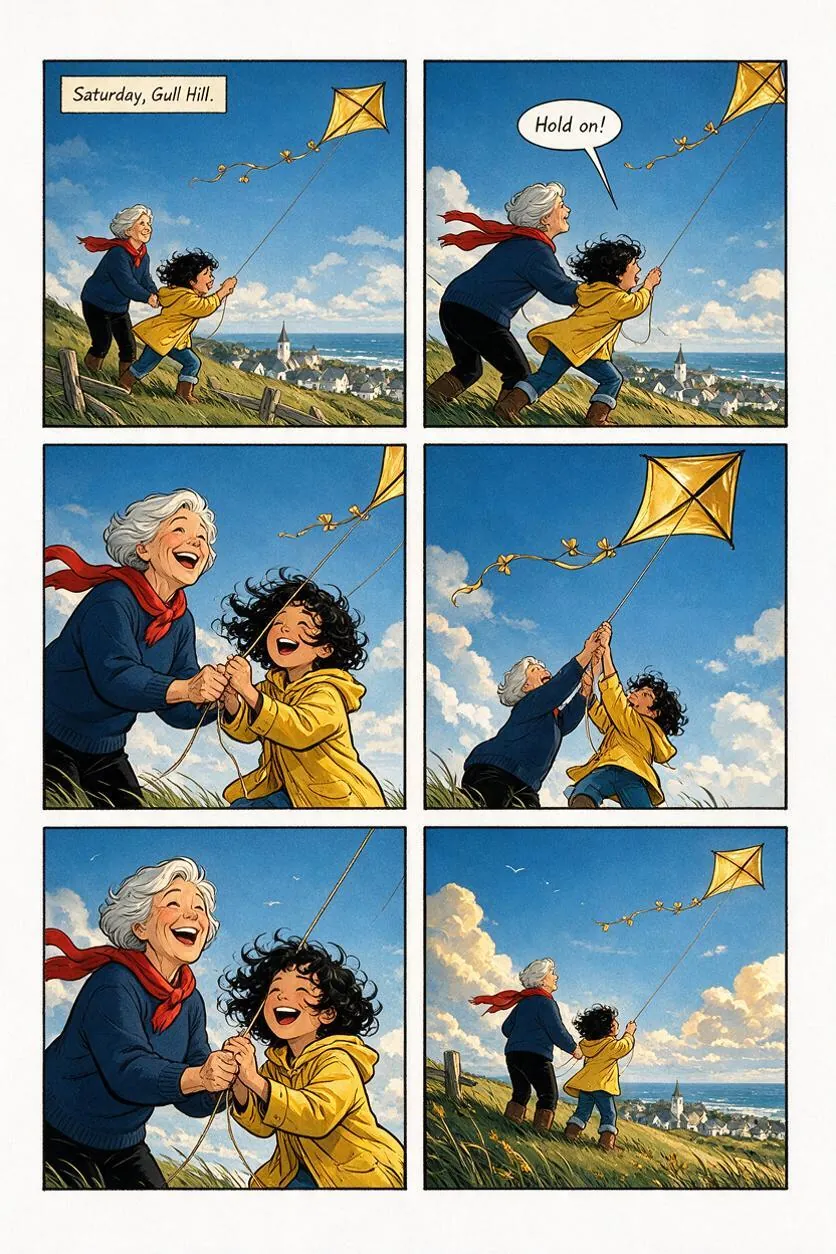
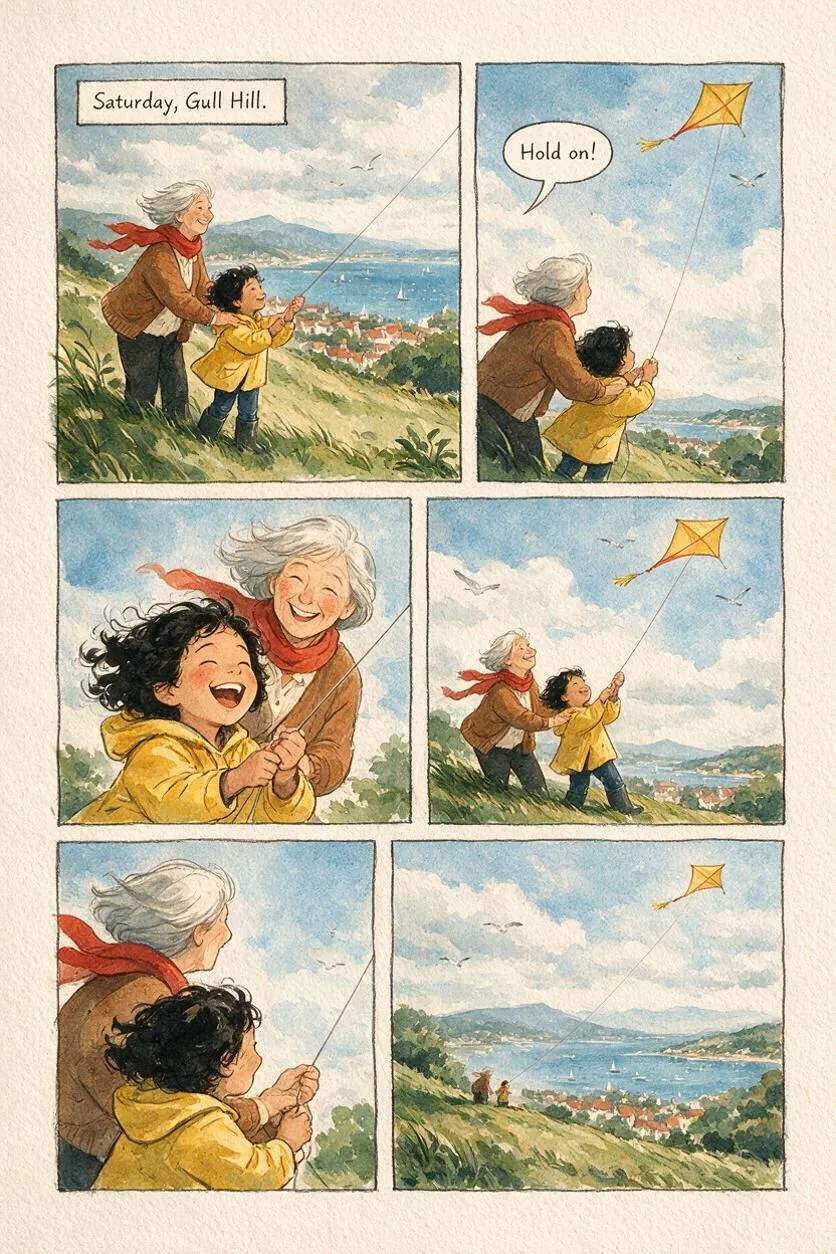
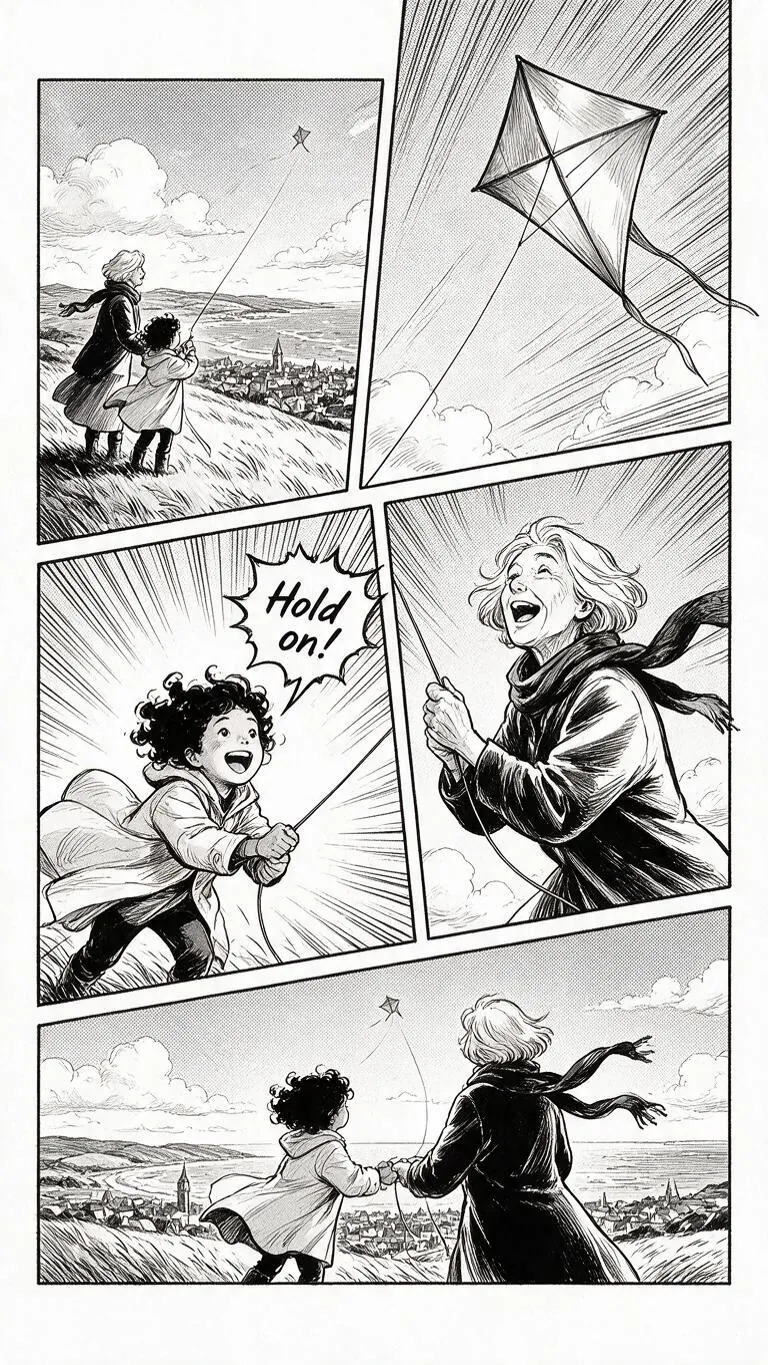
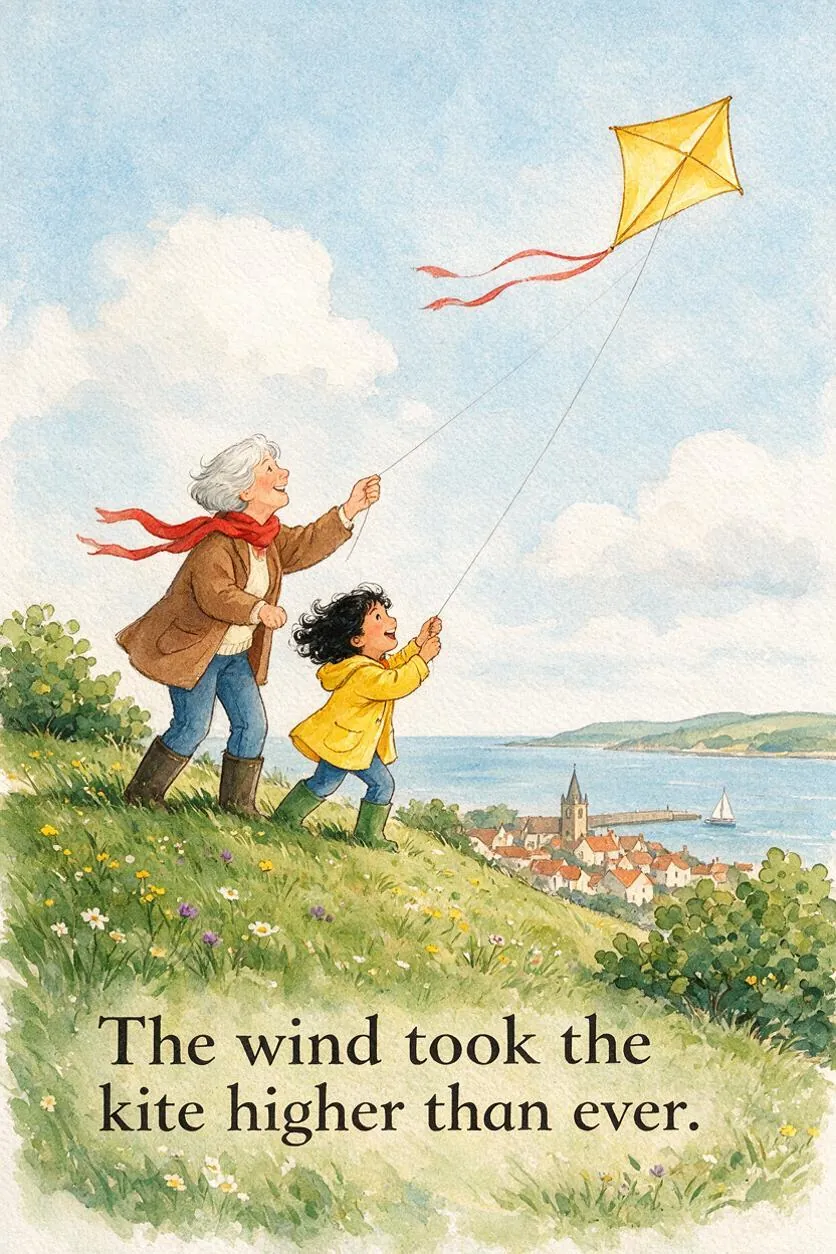
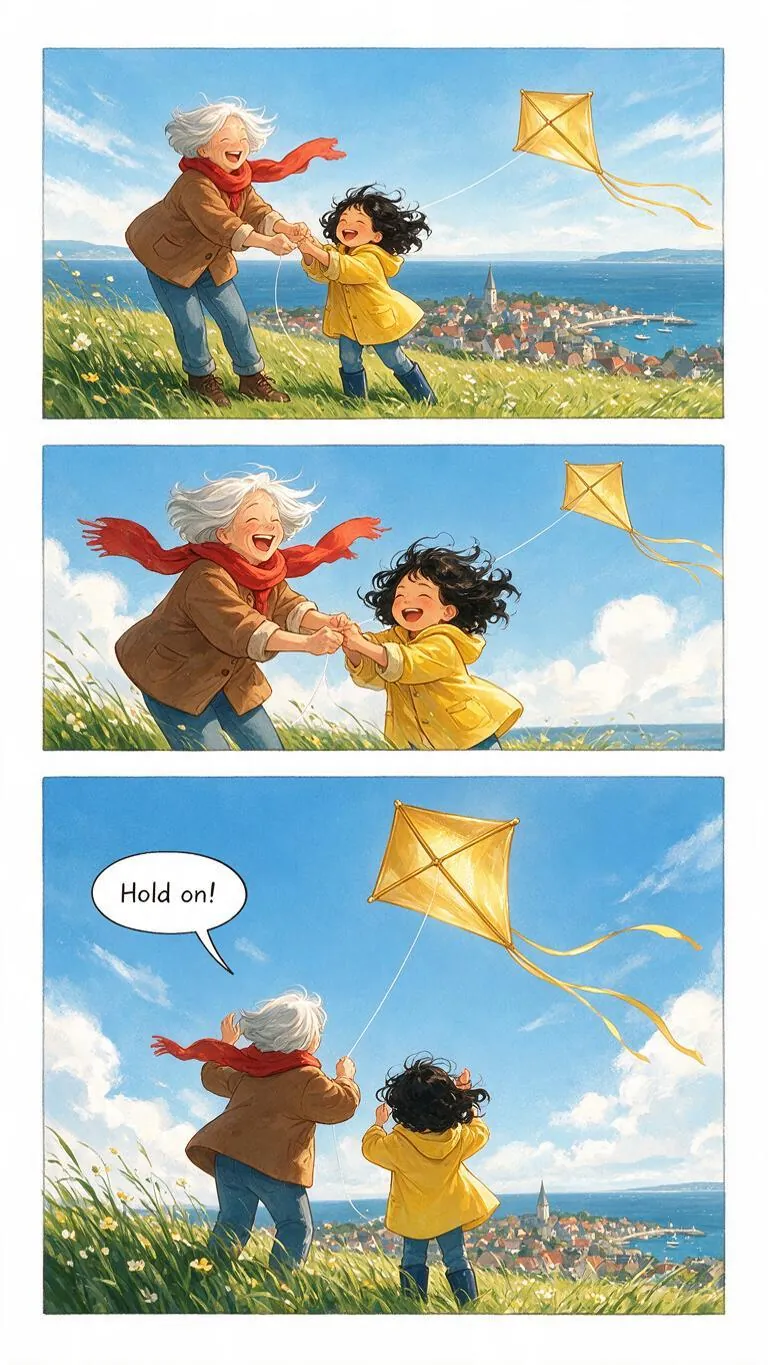
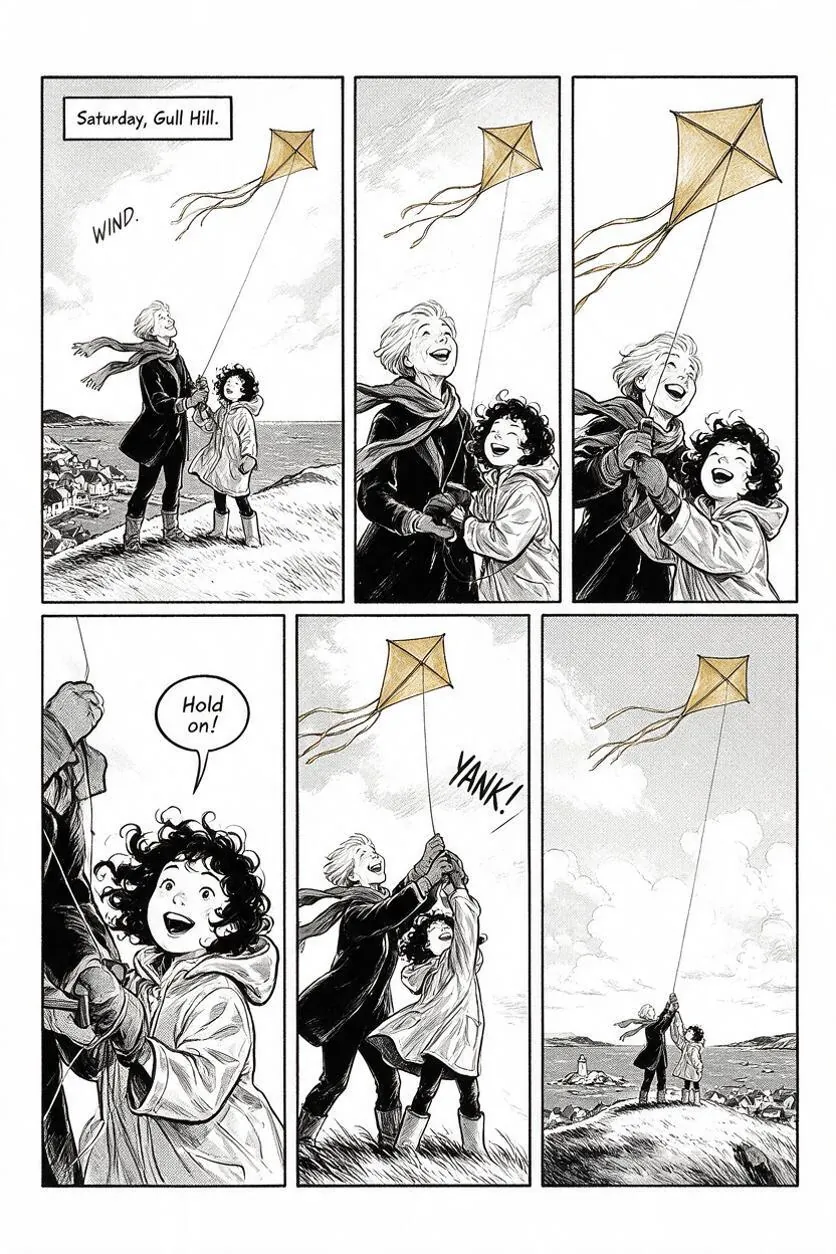
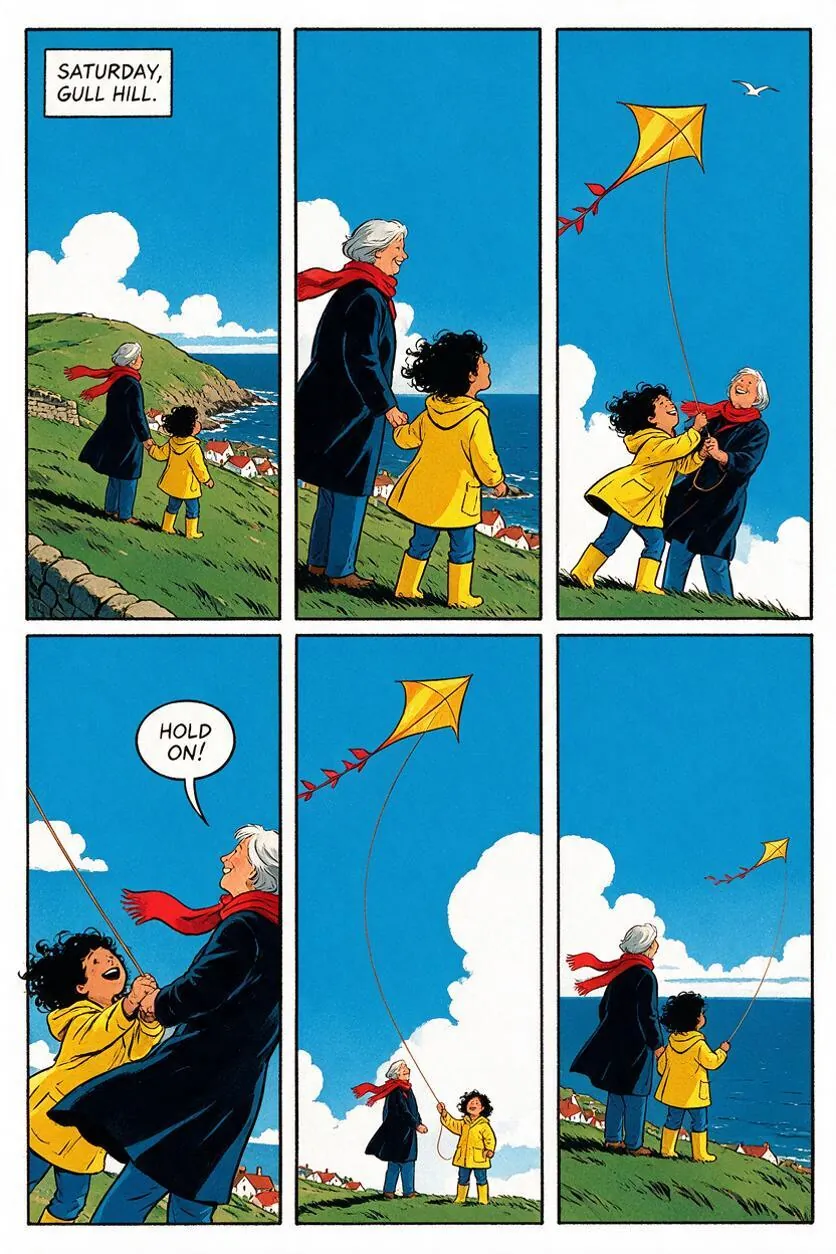
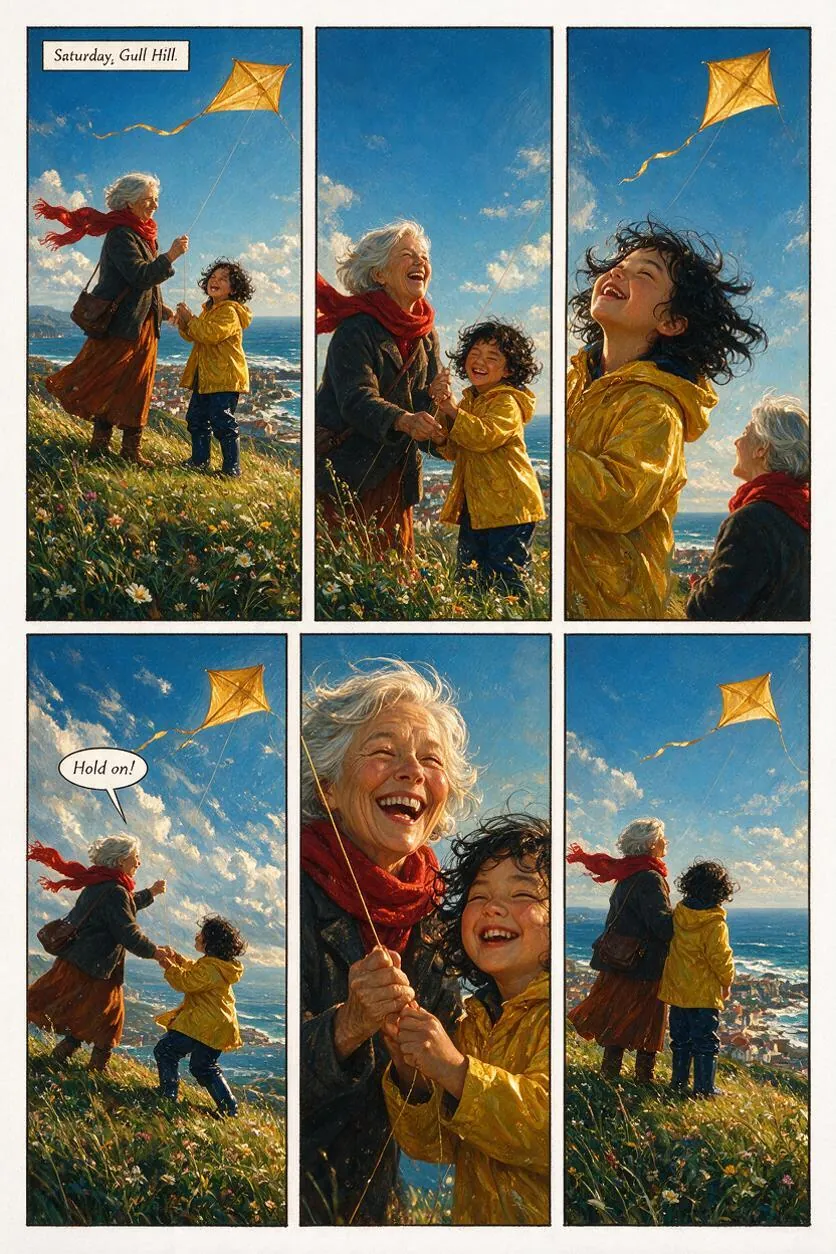
Comic book, manga, storybook or webtoon.
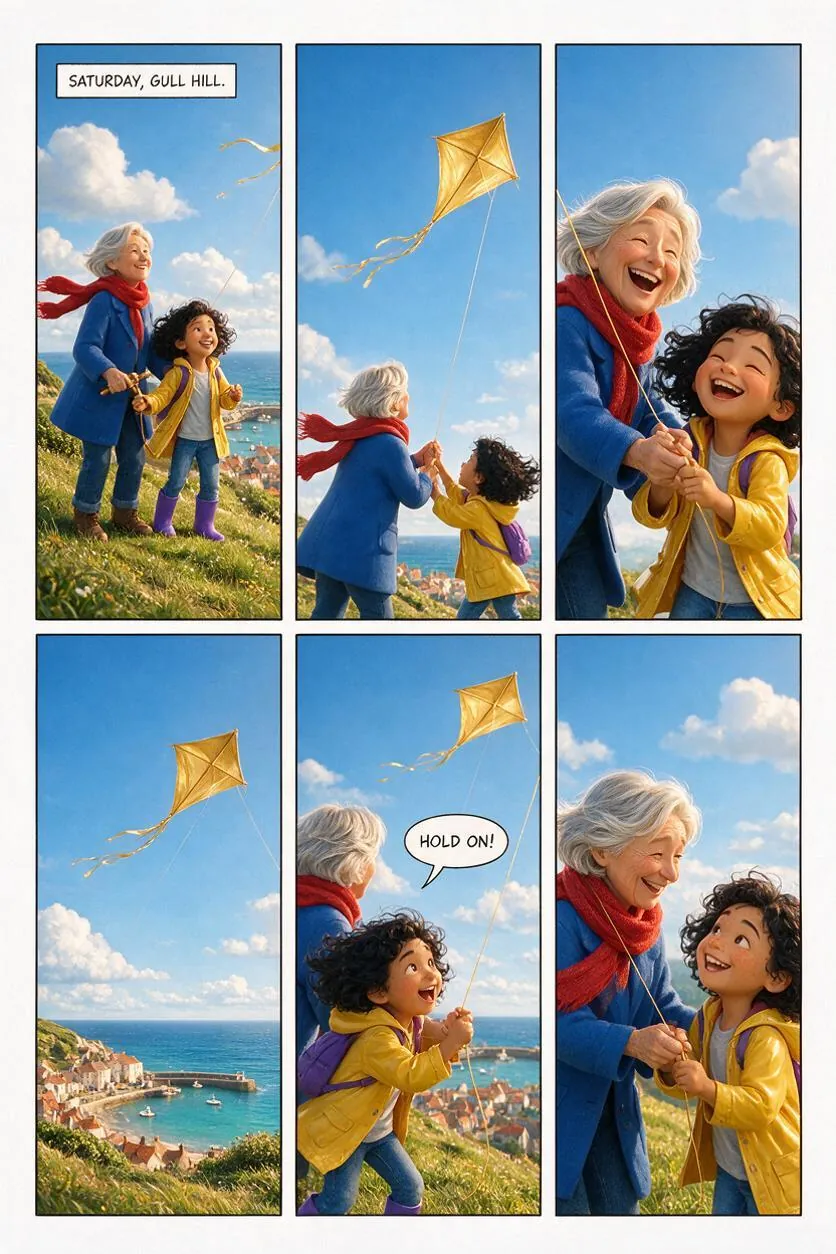
The same story about a gran, a grandchild and a kite, made four ways. Every page here was made in Golden Kite.
Six looks
Pick the look that fits your story.
Your keys, your costs
You pay the AI services directly, with nothing added.
Golden Kite runs on your Mac. The AI comes from your own OpenRouter account, so you pay the providers' own prices and we take no cut.
A picture costs about 4 to 10 US cents. A short comic of around 10 pages is roughly $3 to $6 of credit. The app shows prices as you go, in dollars with a rough figure in pounds.
Your projects stay on your computer, and your keys stay in your Mac's keychain.
Price
Pay once. Keep it forever.
Golden Kite
£29 one-off
- 12 months of updates included
- When updates end, your last version keeps working forever
- Renew any time: £15 for another 12 months
- Sell what you make, at every price
- For macOS 12 or later
Founder price: £19
For the first 100 buyers, with your name on our founders page as a thank you.
Try it free first
The free demo does everything, with limits: one project and a set number of AI calls. Downloads from the demo carry a small "Made with Golden Kite (demo)" footer.
Prices include VAT where it applies. 14-day refunds, see the refund policy. Licence terms are here.
Questions
Good to know
What do I need?
A Mac running macOS 12 or later, and an OpenRouter account with some credit on it. A Wavespeed key is optional and makes pictures a little cheaper.
Is this a subscription?
No. You pay £29 once. That includes 12 months of updates, and you can renew for £15 whenever you want more.
What happens when my 12 months of updates end?
Nothing stops working. The last version released during your 12 months is yours to keep and use forever. Newer versions need a renewal.
Can I sell what I make?
Yes. Your comics are yours, and commercial use is included at every price, even after your updates end. The AI services you connect have their own terms for what they produce, so read those before you sell.
Does Golden Kite upload my stories?
No. Your projects stay on your computer. AI requests go straight from your computer to the AI service you chose. We never see your keys or your stories.
Is there a Windows version?
Not yet. Golden Kite is Mac first; a Windows version is planned. Your licence will work on it too, at no extra cost.
Who handles the payment?
Paddle, our online reseller. They take the payment, handle VAT and send your receipt. Your licence key arrives by email.